
Engineering Visualization: Walkthroughs, Renders, Animations, Apps
Engineering Visualization: Walkthroughs, Renders, Animations, Apps
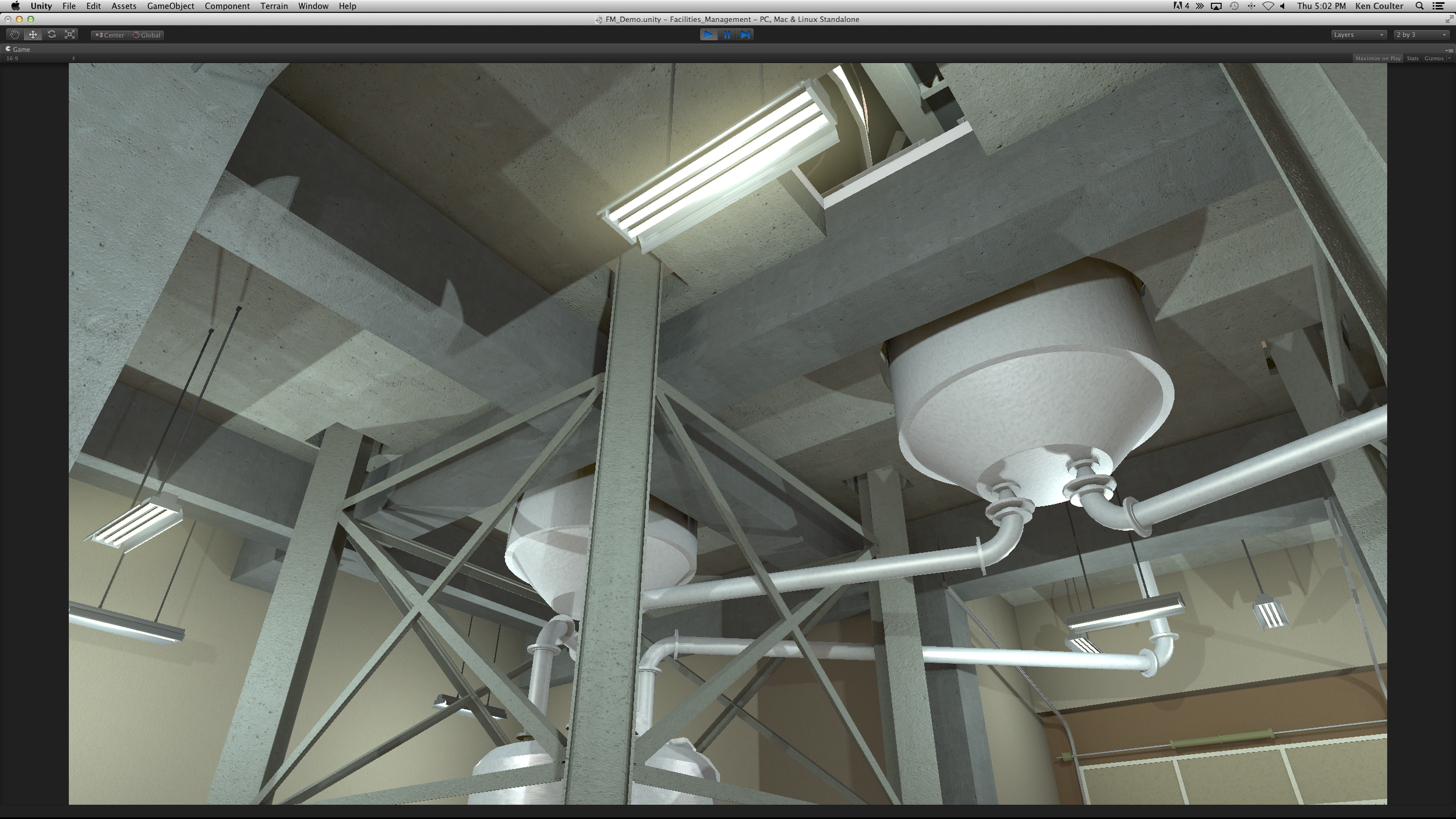
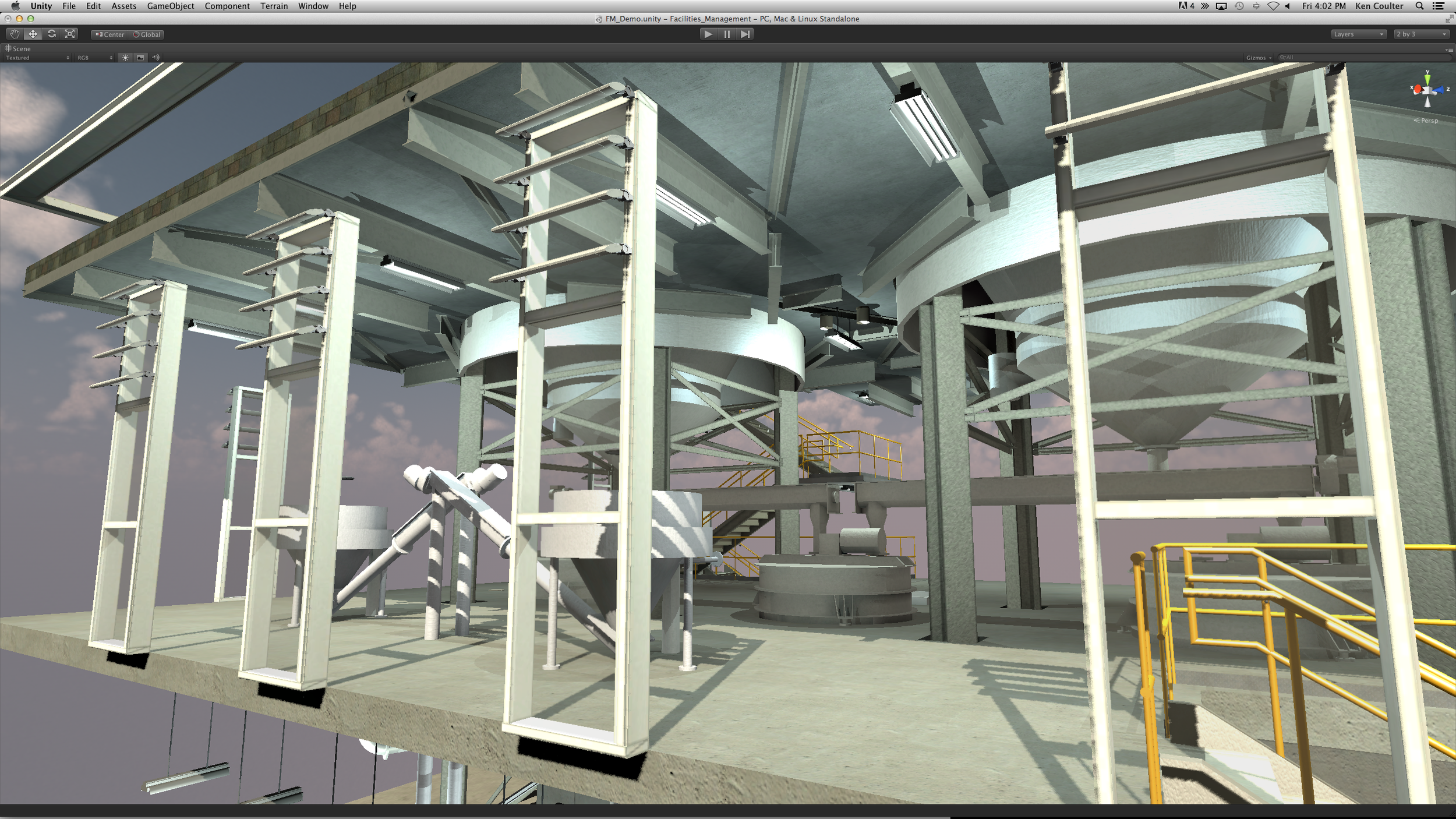
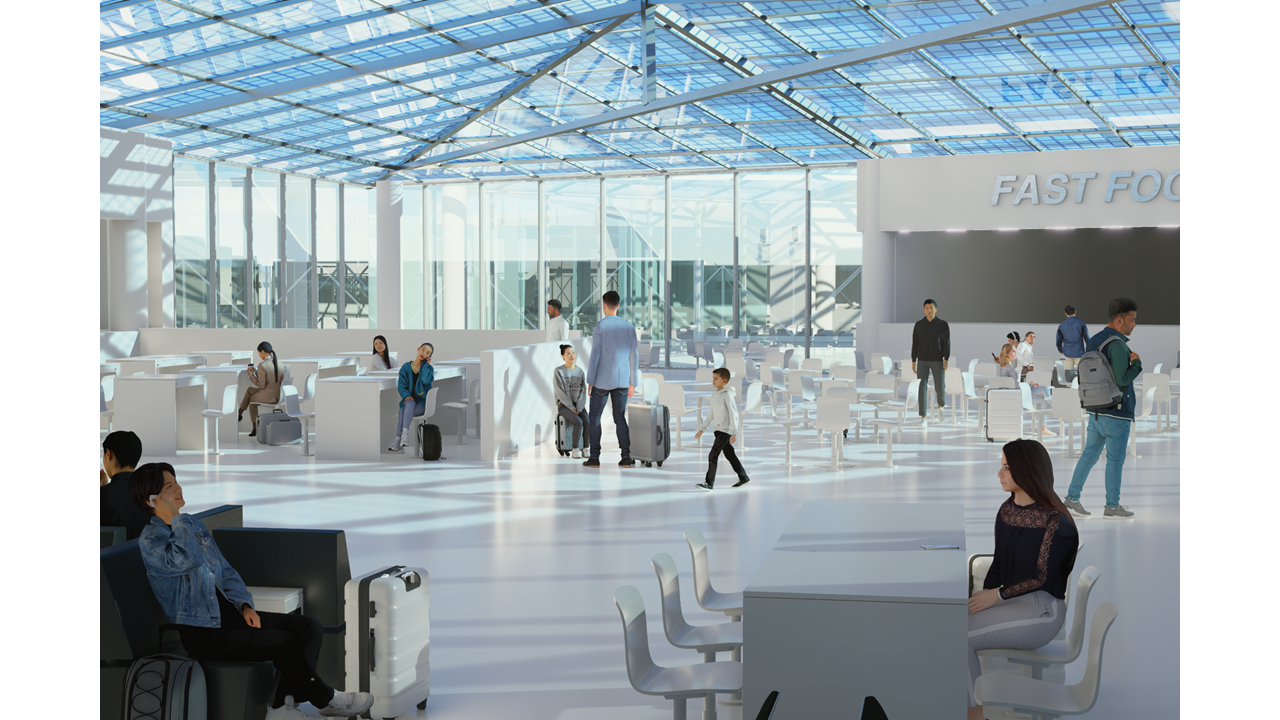
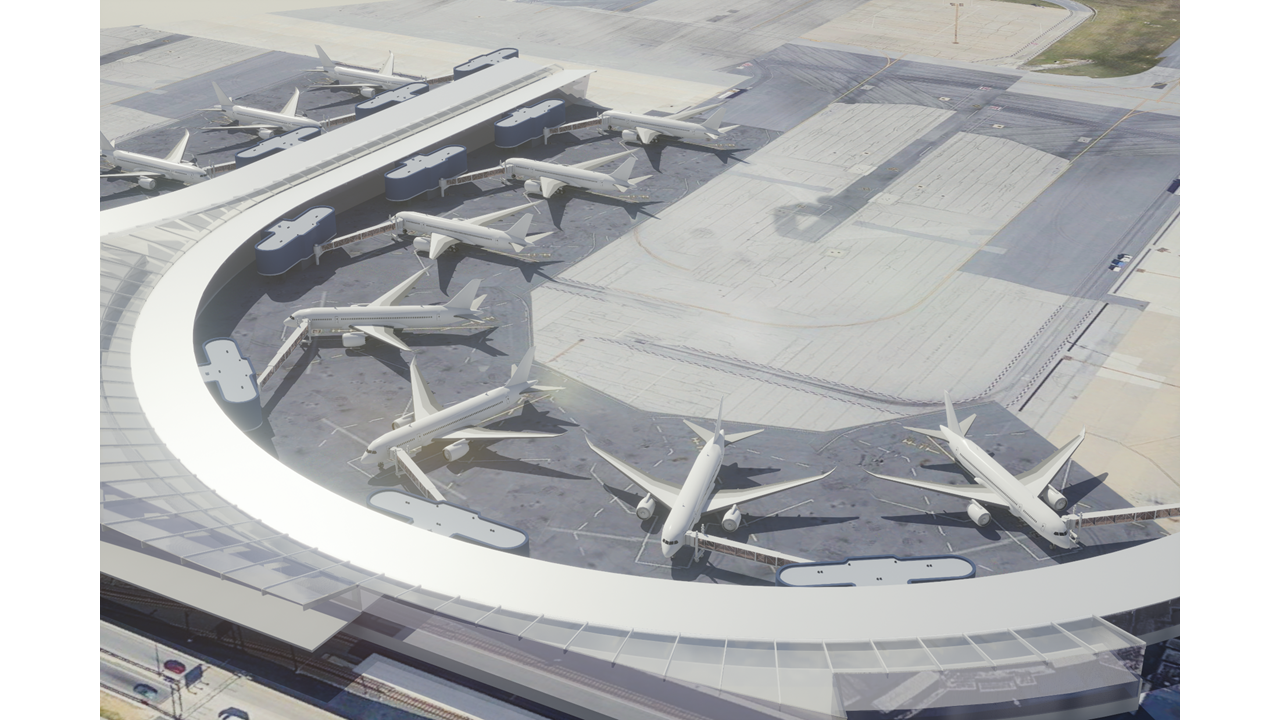
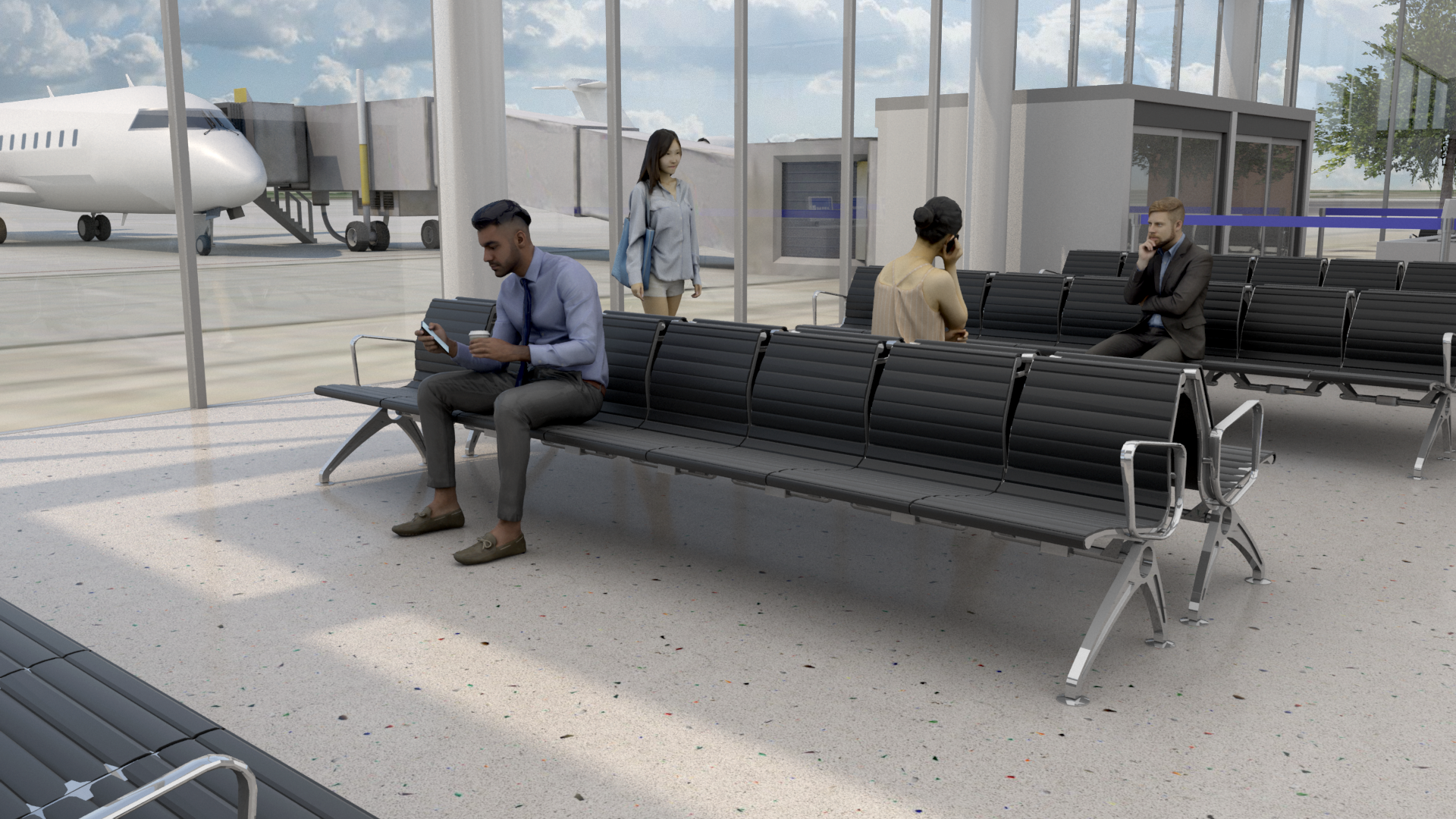
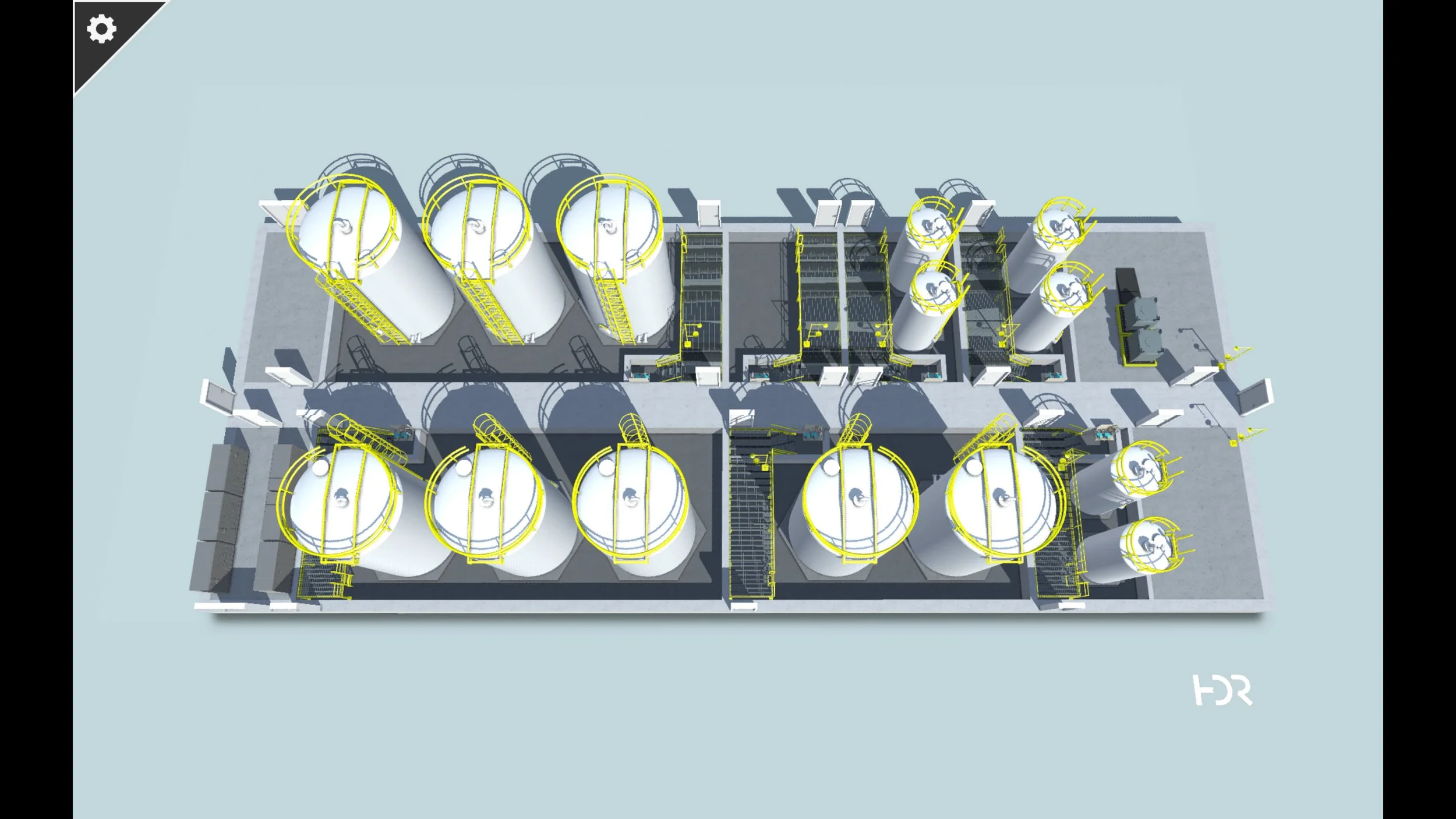
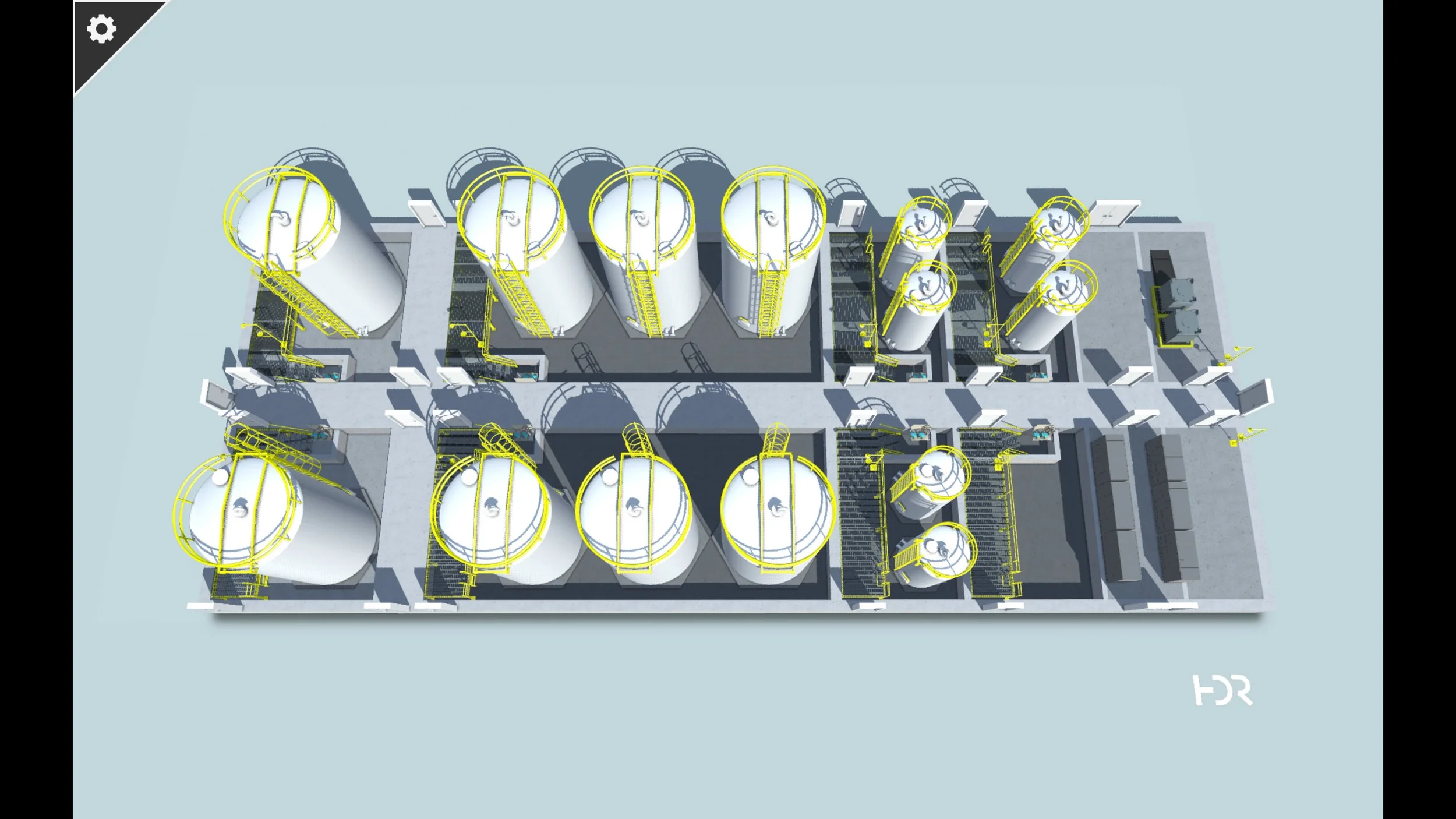
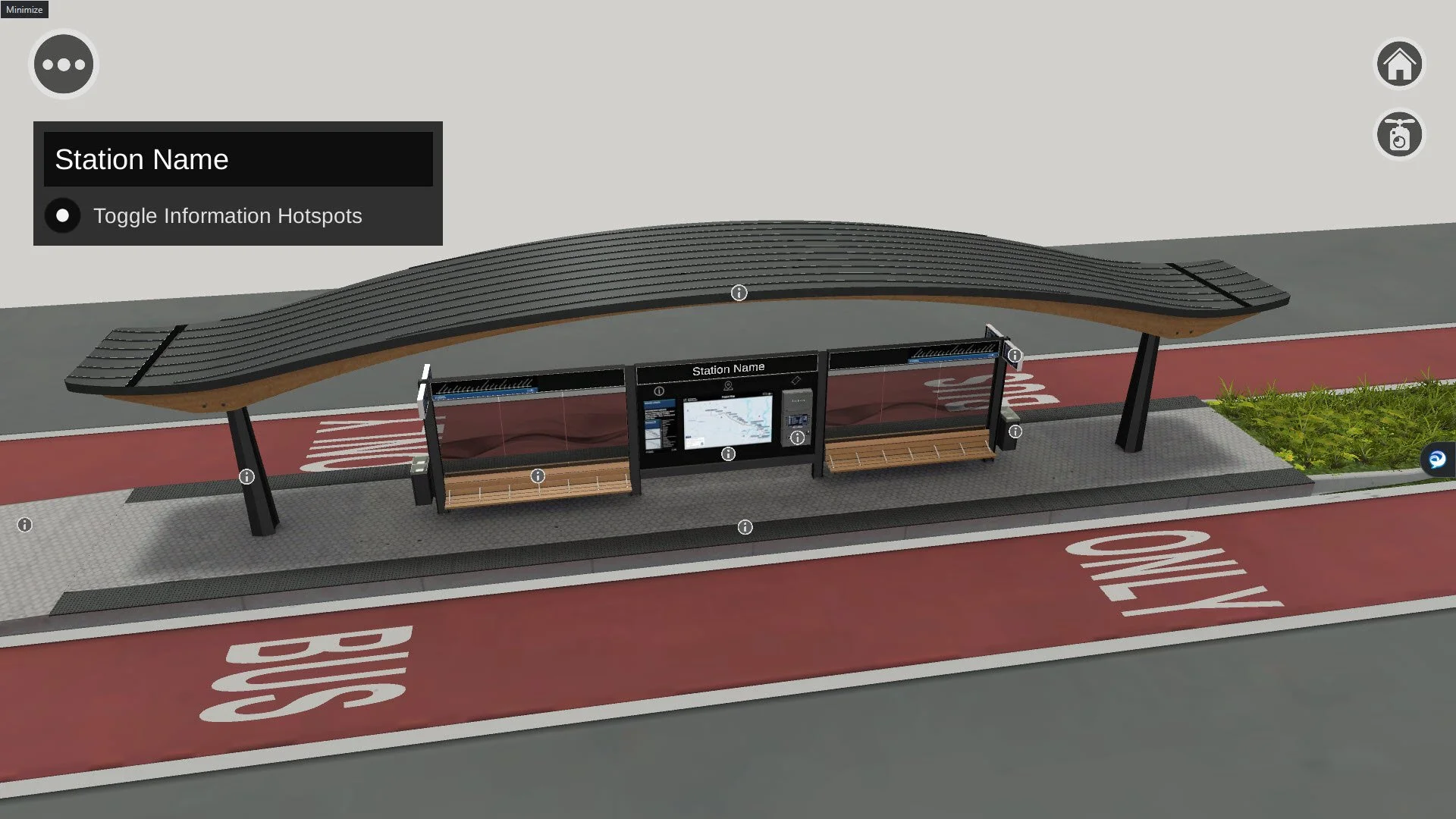
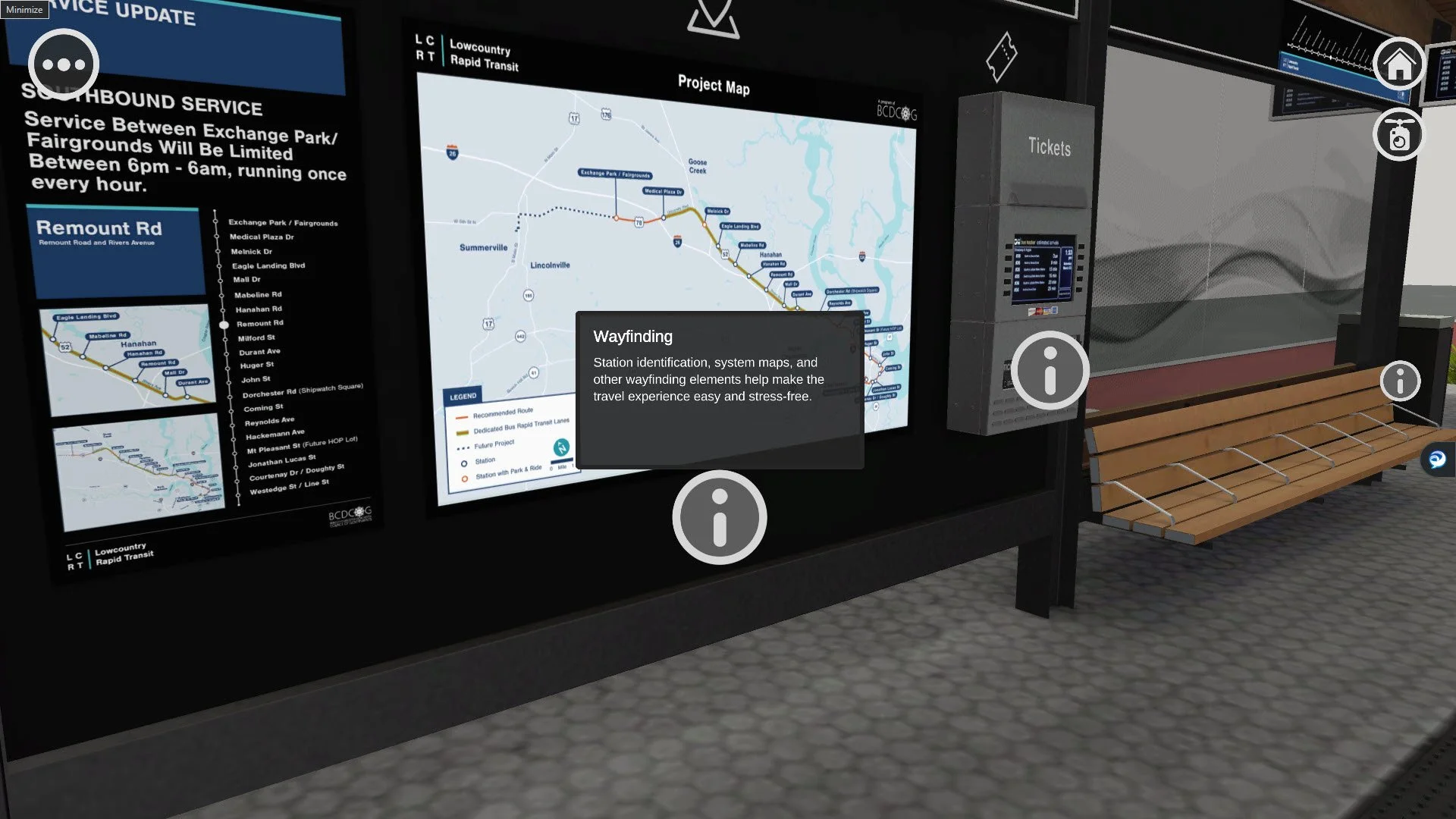
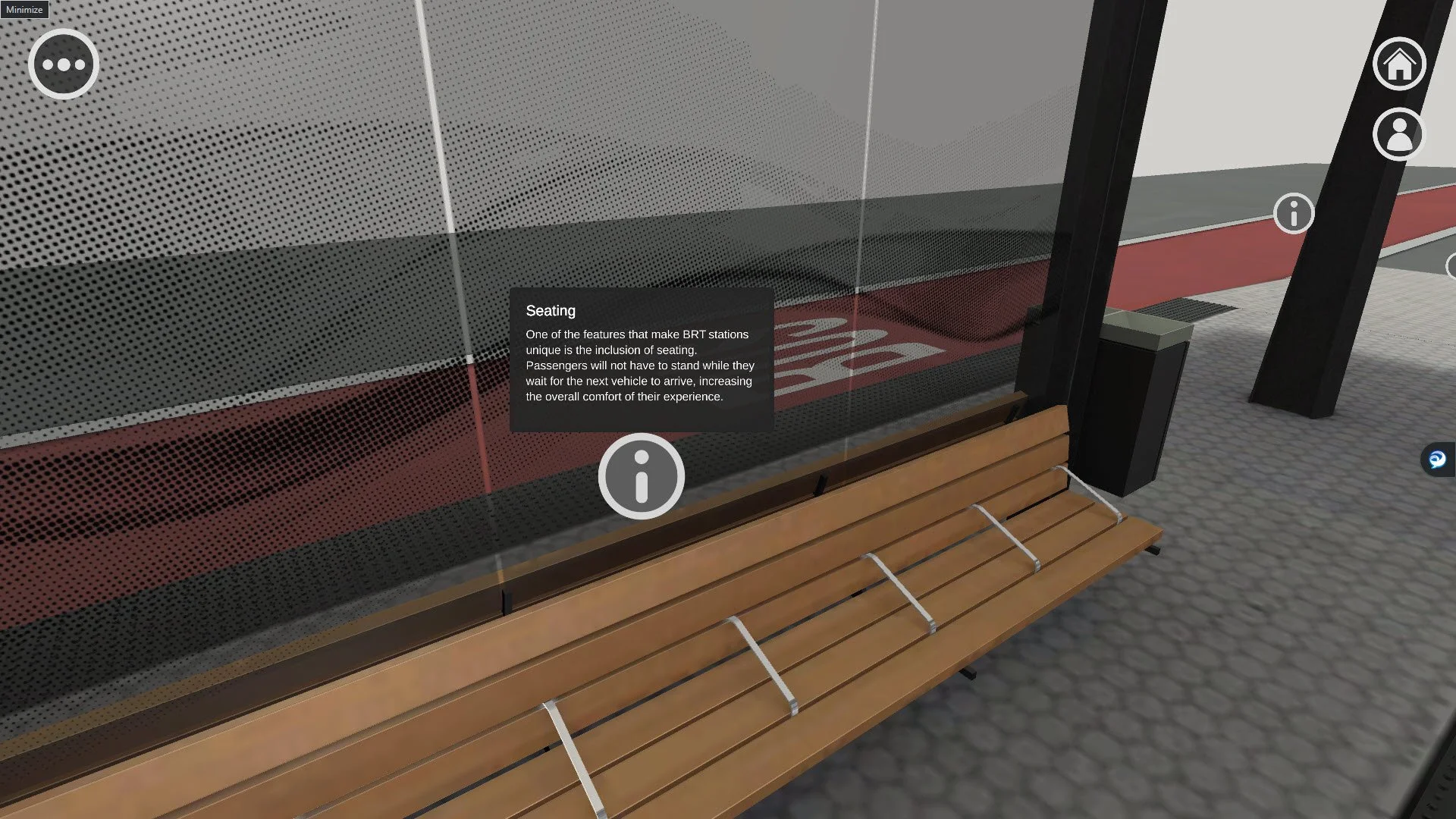
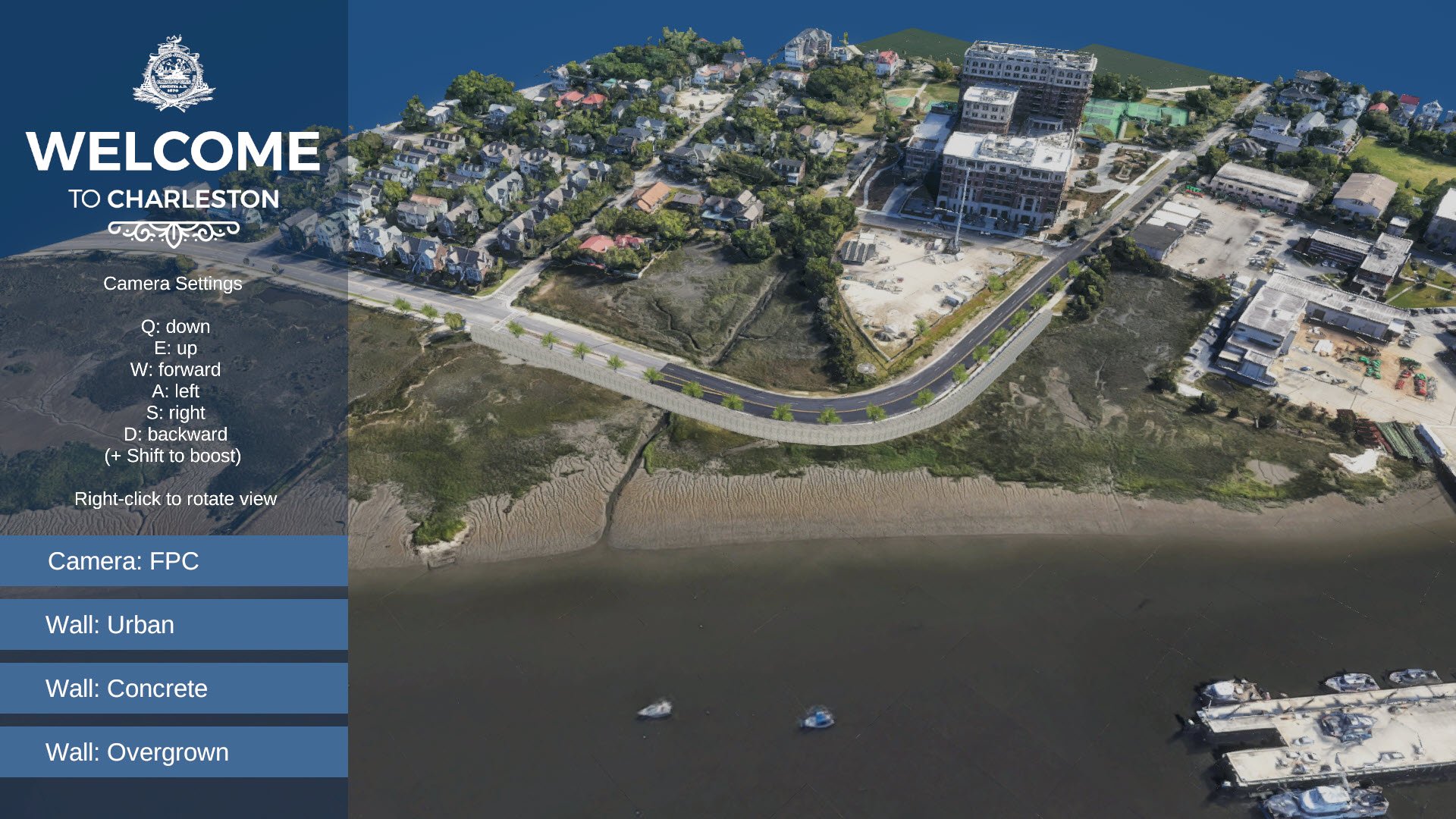
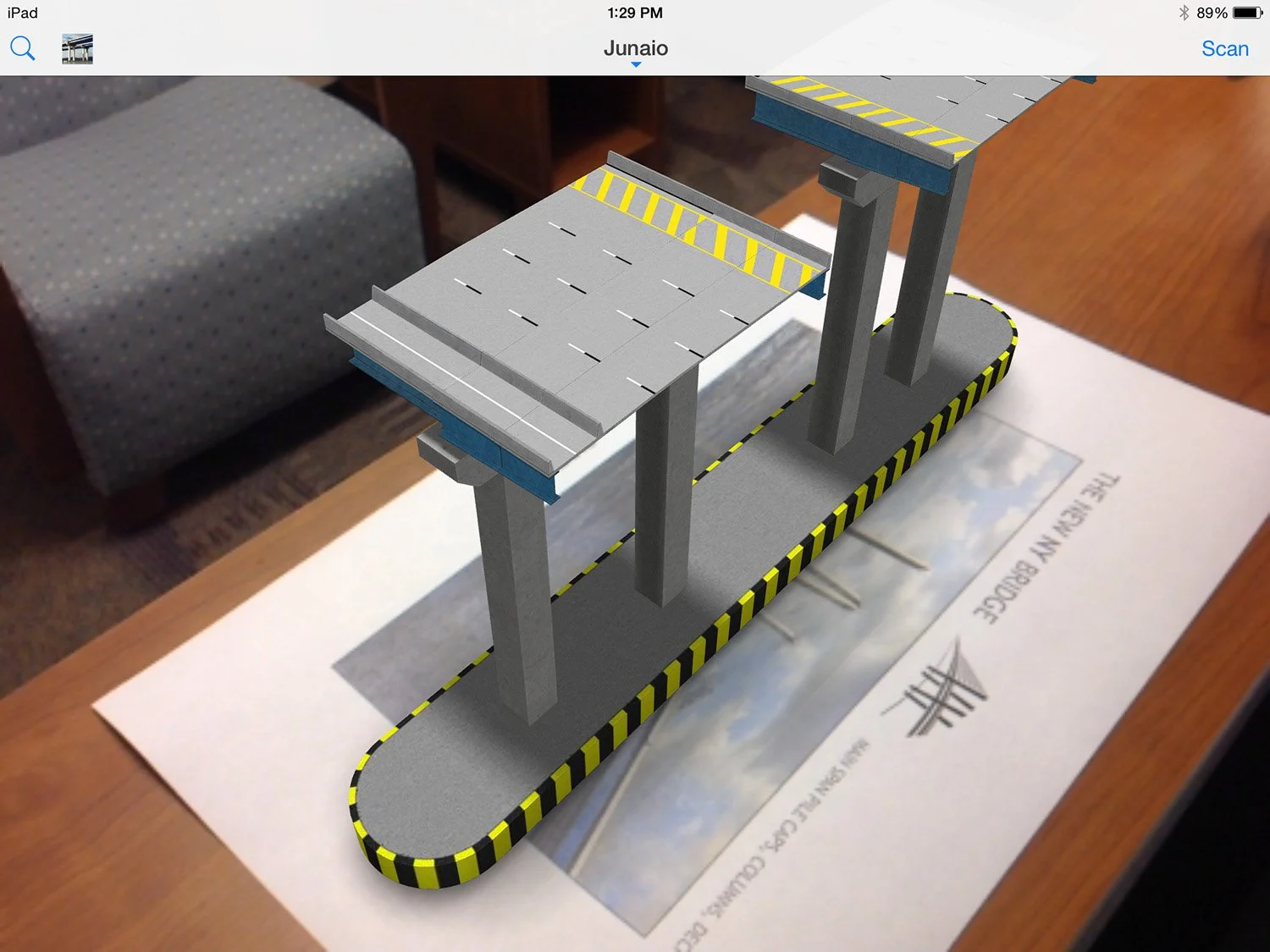
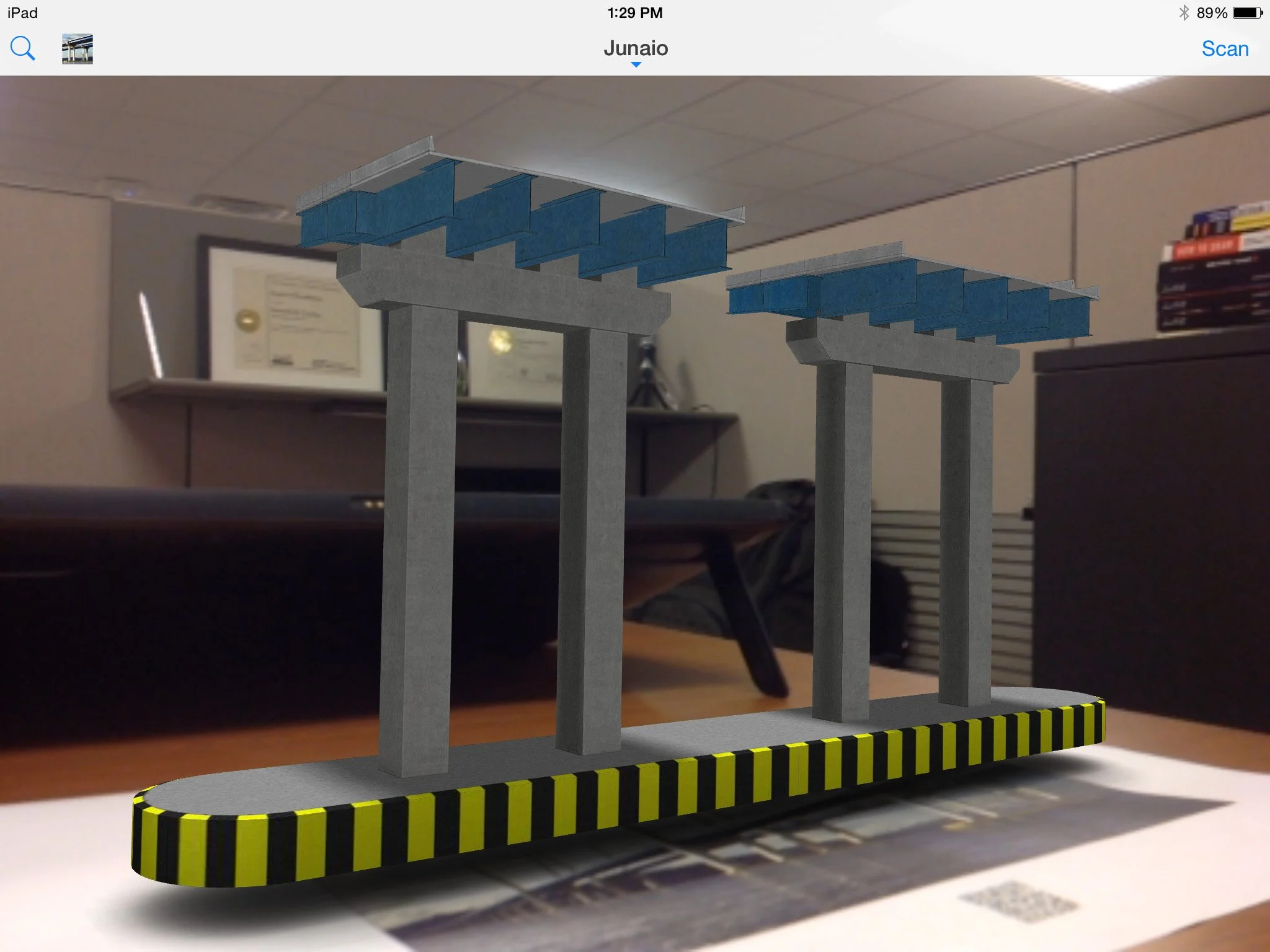
Interactive walkthroughs have become a cornerstone of design review, frequently supporting client interviews and stakeholder presentations. While VR and AR experiences remain powerful tools, most clients continue to prefer web-based applications due to their accessibility and ease of use.
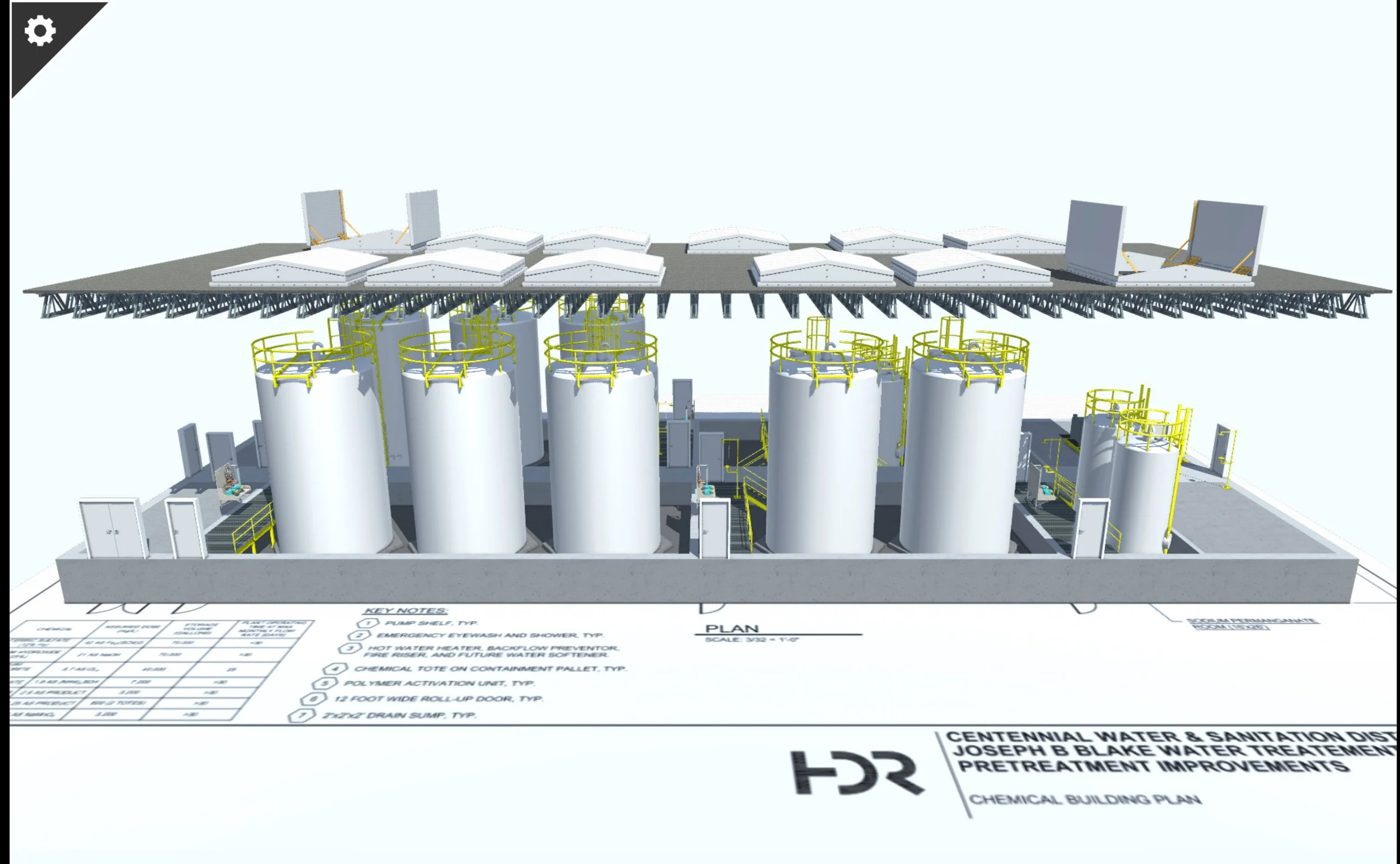
WebGL-based walkthroughs offer an intuitive, device-friendly solution that eliminates the logistical challenges often associated with VR. These applications provide a familiar interface, built with Unity’s AI NavAgents for smooth navigation and the option to toggle between automated paths and standard gaming controls (WASD or arrow keys).
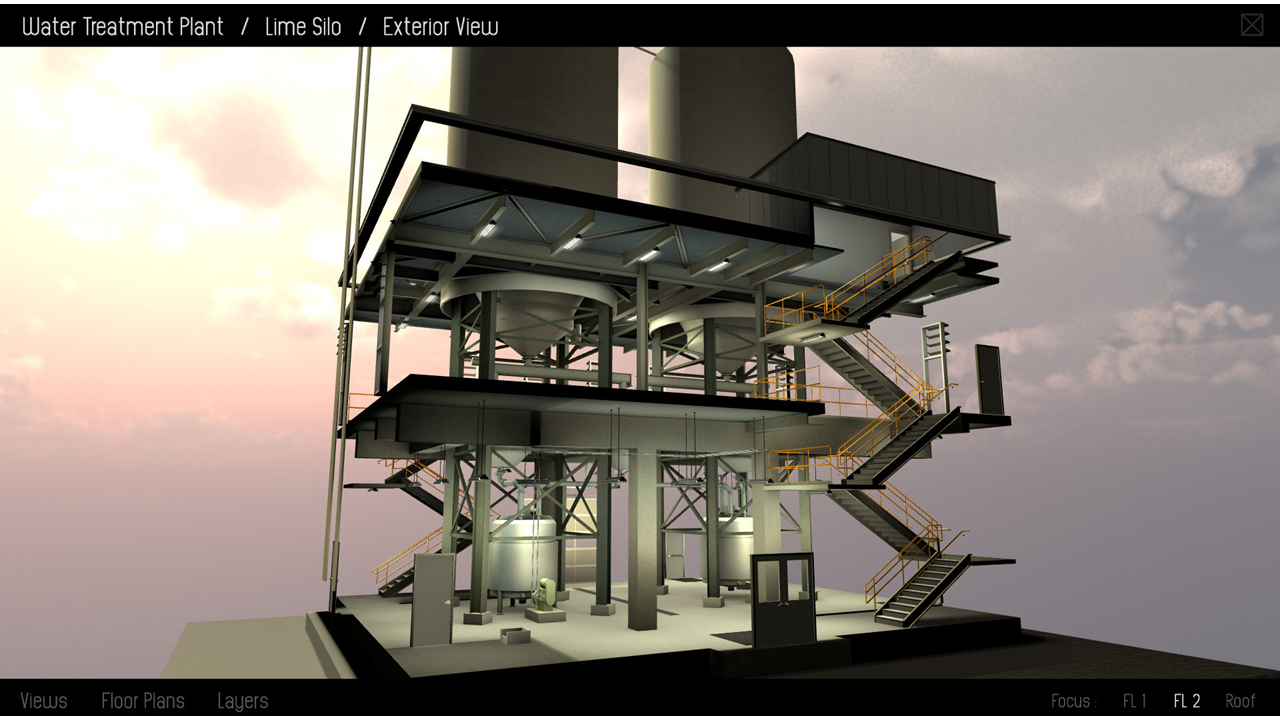
To enhance functionality, I’ve integrated live environmental data—such as occupancy, temperature, room utilization, and HVAC status—allowing users to visualize operational conditions in real time. Additional features include interactive mini-maps for spatial orientation, teleportation shortcuts to key areas, and discipline filters to toggle structural, mechanical, or other layers as needed.
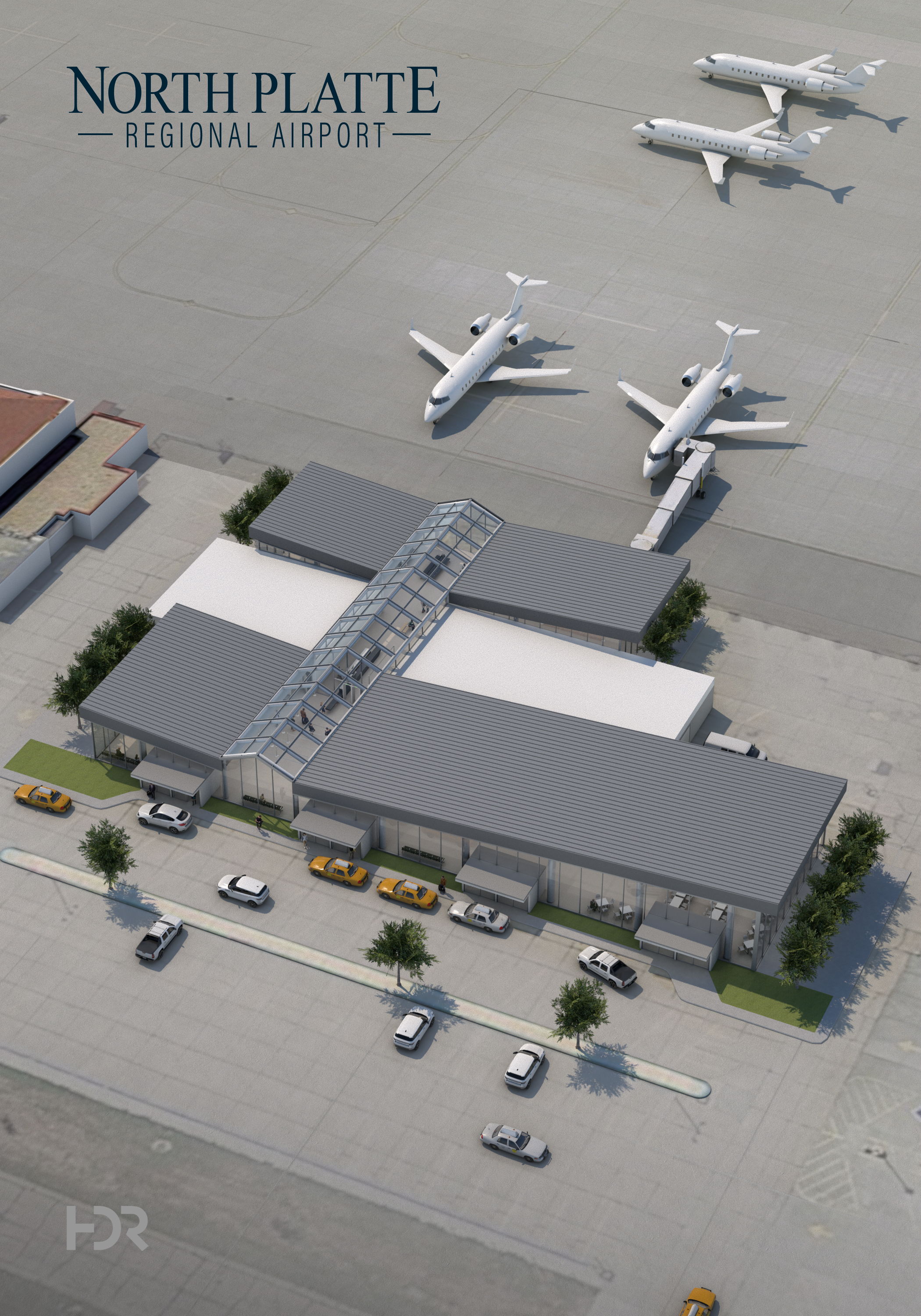
The Orbit demonstration was designed for marketing and business development purposes, as most client projects remain confidential. It showcases how accessible, data-driven visualization can improve communication, streamline collaboration, and make complex architectural information immediately understandable.architecture walkthroughs have been a staple of design review and are frequently used for interviews or presentations. VR and AR are excellent; however, web-based applications are requested substantially more than those platforms. Clients are still hesitant when it comes to using VR, and the logistics can be hurdles most want to avoid. WebGL applications provide clients with an easily accessible experience on devices they typically have with them, and with which they are familiar. There is a substantially lower learning curve, and WebGL experiences are built to be easily navigated utilizing NavAgents and Unity’s AI system to move to a click point. Additionally, I add in the ability to swap to standard “gaming” control schemes with WASD and arrows keys if preferred. Taking the medium further, I have integrated the ability to tie environmental data such as occupancy, temperature, room utilization, HVAC status and others to the application for live feeds (all dependent on access to said data). Users can track their walk distances in meters or feet, teleport to key locations, and toggle other disciplines on/ off (such are structural or mechanical) which can be extremely helpful in locating certain structures and understanding equipment associations. The mini-map is helpful for users to undertsand their 3D location in the floorplan, and on click opens a complete floorplan for review and teleporting. This application was built specifically for marketing and sharing as most projects are confidential.